
Most traders know the frustration of repeating the same costly mistake twice, or realizing a profitable pattern only after it has already faded. Without a structured log, your trading history is just noise. 92% of profitable traders journal consistently, and that gap between disciplined loggers and everyone else shows up directly in account performance. This guide walks you through exactly what to record, which tools to use, how to build a repeatable logging habit, and how to turn raw data into a genuine edge across forex, indices, and crypto markets.
Table of Contents
- What to capture in your trading log
- Choosing your trade logging method
- Step-by-step: Logging your first trade
- How to review and analyze your logs
- Common mistakes and expert tips
- Bring your trade logs to the next level
- Frequently asked questions
Key Takeaways
| Point | Details |
|---|---|
| Capture all key data | The most successful logs include both numbers and notes on every trade for a complete picture. |
| Manual vs. automation | Manual methods suit new or low-volume traders but dedicated software saves time as trade frequency grows. |
| Weekly reviews matter | Just 15-30 minutes of review each week can boost your win rate and reveal actionable patterns. |
| Avoid common pitfalls | The most frequent mistakes include logging inconsistently and forgetting to include tags or emotions. |
| Pro tools accelerate growth | Advanced journals with AI and broker sync unlock deeper insights with less effort for serious traders. |
What to capture in your trading log
Now that you know why tracking trades matters, let's define what actually needs recording so your log drives real improvement.
A trading log is only as useful as the data inside it. Vague entries like "bought EUR/USD, made some profit" tell you nothing when you sit down to review your week. You need structured fields that let you filter, sort, and spot patterns at a glance.
Essential fields to log for every trade include: date and time, instrument, direction (long or short), entry and exit prices, position size, stop loss and take profit levels, profit and loss in both dollar amount and percentage, setup or strategy tag, emotional state notes, and a screenshot of the chart at entry.
Here is a quick reference for what each field actually tells you:
| Field | Why it matters |
|---|---|
| Date and time | Reveals time-of-day biases and session performance |
| Instrument | Identifies which markets you trade best |
| Direction | Tracks long vs. short bias over time |
| Entry and exit | Enables slippage and execution analysis |
| Position size | Connects risk management to outcomes |
| Stop and target | Measures plan adherence |
| P&L ($ and %) | Tracks real performance, not just win rate |
| Strategy tag | Groups trades by setup for pattern review |
| Emotional state | Surfaces behavioral drivers of wins and losses |
| Screenshot | Provides visual context for post-trade review |
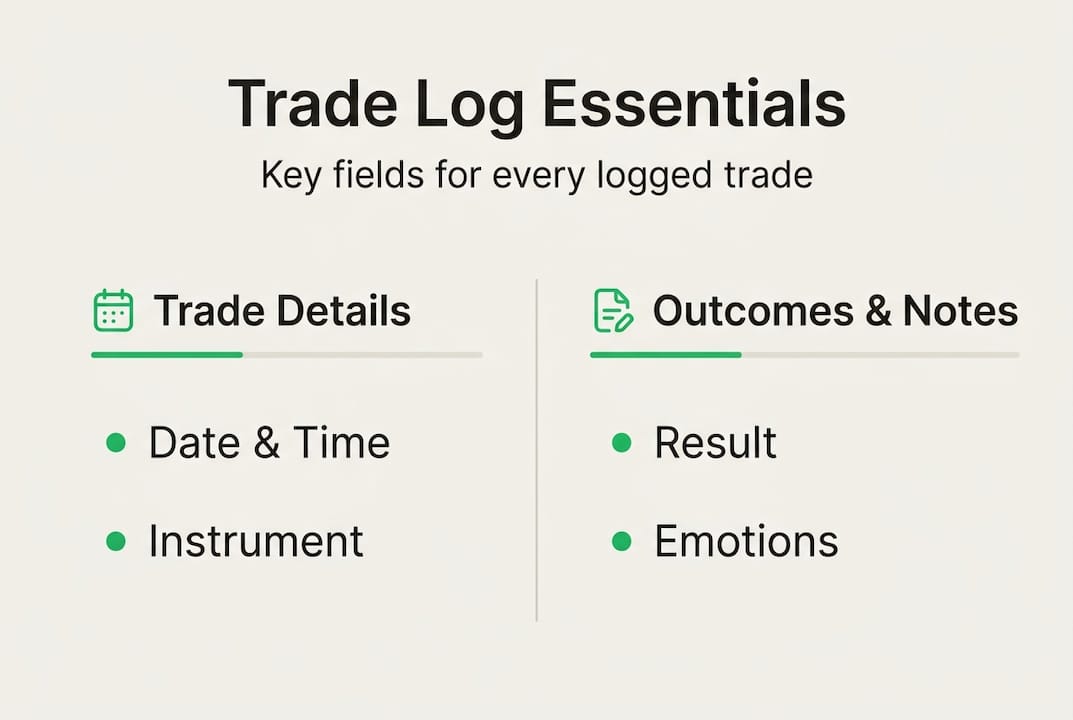
Two fields traders most often skip are emotional state and screenshots. Skipping emotional notes means you will never know whether your best trades came from calm, focused sessions or from revenge trading after a loss. Screenshots let you visually confirm whether you actually followed your setup rules.
For deeper review, explore advanced trading journal features that automate field capture and flag rule breaks automatically. You can also browse trade journaling guides for additional field ideas.
Pro Tip: Add a custom tags column to mark trades as "mistake," "experiment," or "rule break." Filtering by these tags during review reveals patterns that raw numbers alone will never show.
Choosing your trade logging method
Once you know what data to gather, the next step is deciding the best tool or method for your unique trading style.
Three main logging methods exist: spreadsheets you build manually, broker statements you export periodically, and dedicated journaling software with auto-import and analytics built in. Each has a real use case, but they are not equally effective at every trade volume.
Here is how they compare:
| Criteria | Spreadsheet | Broker export | Journaling software |
|---|---|---|---|
| Cost | Free | Free | Free to paid |
| Manual effort | High | Medium | Low |
| Depth of analysis | Limited | Limited | High |
| Automation | None | Partial | Full |
| Best for | Beginners, low volume | Occasional review | Active and pro traders |
Spreadsheets work well if you place fewer than five trades per day and enjoy building your own systems. Once volume increases, manual entry becomes a bottleneck and errors creep in. Broker exports give you raw data but rarely include emotional notes, strategy tags, or visual context.

Dedicated software like an AI trading journal scales with your activity, connects to multiple brokers, and surfaces insights you would never find manually. Tools like TradesViz analytics tools show how powerful automated analysis can be for active traders.
Pro Tip: If you trade more than five instruments or manage multiple accounts, look specifically for tools with API or broker auto-import and AI-powered review. Manual entry at that scale leads to burnout and incomplete records fast.
Step-by-step: Logging your first trade
With your tools chosen, let's walk through logging a trade from start to finish so you establish a process that sticks.
Here is a concrete example using a EUR/USD forex trade:
- Open your journal immediately after closing the trade, while details are fresh.
- Enter the date and time: June 12, 2026, 09:32 AM EST.
- Record the instrument and direction: EUR/USD, long.
- Log entry and exit prices: Entry at 1.0845, exit at 1.0892.
- Add position size and risk levels: 0.5 lots, stop loss at 1.0820, take profit at 1.0900.
- Calculate and enter P&L: +$235, or +1.8% of account.
- Tag the setup: "London breakout, trend continuation."
- Write a brief note: "Entered on second retest of the 1.0845 level. Felt confident. Exited slightly early before target."
- Upload a screenshot of the 15-minute chart at entry.
- Tag any rule breaks or experiments in your custom column.
The single most important habit here is logging immediately. Memory degrades fast, and the emotional context of a trade fades within hours. Traders who review journals weekly improve win rates by roughly 15%, but that only works if the data going in is accurate and complete.
For traders who want to skip manual entry entirely, automatic data capture pulls trade details directly from your broker so nothing gets missed. You can also check trading journal tips for more guidance on building a consistent logging routine.
How to review and analyze your logs
Effective logging is just step one. What you do with that data is where the real edge develops.
A weekly review for patterns should be short and focused, around 20 to 30 minutes. Look at win rate by setup, average R-multiple (how much you made relative to your risk), and whether your losses cluster around specific times or instruments. Monthly reviews go deeper into behavioral patterns and overall expectancy.
Key metrics to pull from your log:
- Win rate by setup: Which strategies actually work for you?
- R-multiple average: Are your winners bigger than your losers?
- Profit factor: Total gross profit divided by total gross loss. Anything above 1.5 is solid.
- Time-of-day bias: Do you perform better in the London session or the New York open?
- Emotional state correlation: Do trades logged as "anxious" or "revenge" consistently underperform?
- Rule break frequency: How often do you deviate from your plan, and what does it cost you?
"Traders reviewing weekly improve win rates by approximately 15%."
Tagging setups and emotions is what separates surface-level review from genuine insight. Without tags, you are just looking at a list of numbers. With them, you can filter to see only your "FOMO entry" trades and discover they lose money 70% of the time. That is actionable.
For a structured approach to analyzing trading performance, dedicated platforms automate most of this work. You can also explore journal review practices for frameworks used by professional traders.
Common mistakes and expert tips
To make your log work for you, avoid common traps and leverage field-tested best practices used by top traders.
Most traders quit journaling within two weeks without automation, and inconsistency combined with skipping key fields are the most common reasons logs fail to produce results.
The most frequent mistakes traders make:
- Logging only winning trades and ignoring losses (or vice versa)
- Skipping emotional notes because they feel unnecessary
- Forgetting screenshots until days later when the chart has moved
- Reviewing logs only when performance is bad, not consistently
- Using different formats across accounts, making comparison impossible
Expert tips to build a durable habit:
- Log paper trades and delayed entries to practice without real stakes
- Mark every rule break with a specific tag so you can measure the cost over time
- Sync logs across all accounts, including prop firm accounts, for a complete picture
- Automate as much as possible to prevent the burnout that kills most journaling attempts
For a deeper look at common journaling errors and how to fix them, real-world examples make the lessons stick faster.
Pro Tip: Set a recurring calendar reminder every Sunday evening for a 20-minute journal review. Treat it like a non-negotiable part of your trading week, not an optional task.
Bring your trade logs to the next level
After you have mastered efficient journaling, the right tools help you level up with less effort and more actionable insights.
Manual logging gets you started, but it has a ceiling. An AI-powered journal automates data capture, connects directly to your brokers, and surfaces your behavioral patterns in minutes rather than hours. You spend less time on admin and more time acting on what your data actually tells you.
With TradeWise trading journal by TradeScoper.io, you can seamlessly import trades, tag setups and emotions, and access performance analytics trusted by professionals across forex, indices, and crypto. The platform is built for traders who want clarity without clutter, from beginners logging their first trades to prop traders managing multiple accounts. Ready to eliminate manual entry and close the data gaps that are costing you real money? TradeScoper.io offers a free tier so you can start today with zero friction.
Frequently asked questions
Is a spreadsheet good enough for logging all my trades?
Spreadsheets work for beginners or low-volume traders, but automation becomes essential as trade count and analysis needs grow beyond a handful of trades per day.
Should I include emotional notes in my trade logs?
Yes. Qualitative notes reveal behavioral edges and help you connect emotional states to performance outcomes, which is something raw numbers alone cannot do.
How often should I review my trading log?
A weekly review is most effective. Weekly reviews improve win rate by approximately 15%, making it the single highest-return habit you can build around your journal.
What are the top mistakes to avoid when logging trades?
The biggest mistakes are skipping trades, failing to tag setups, neglecting reviews, and not automating your workflow. 80% quit in two weeks without automation, so removing friction is critical to staying consistent.